
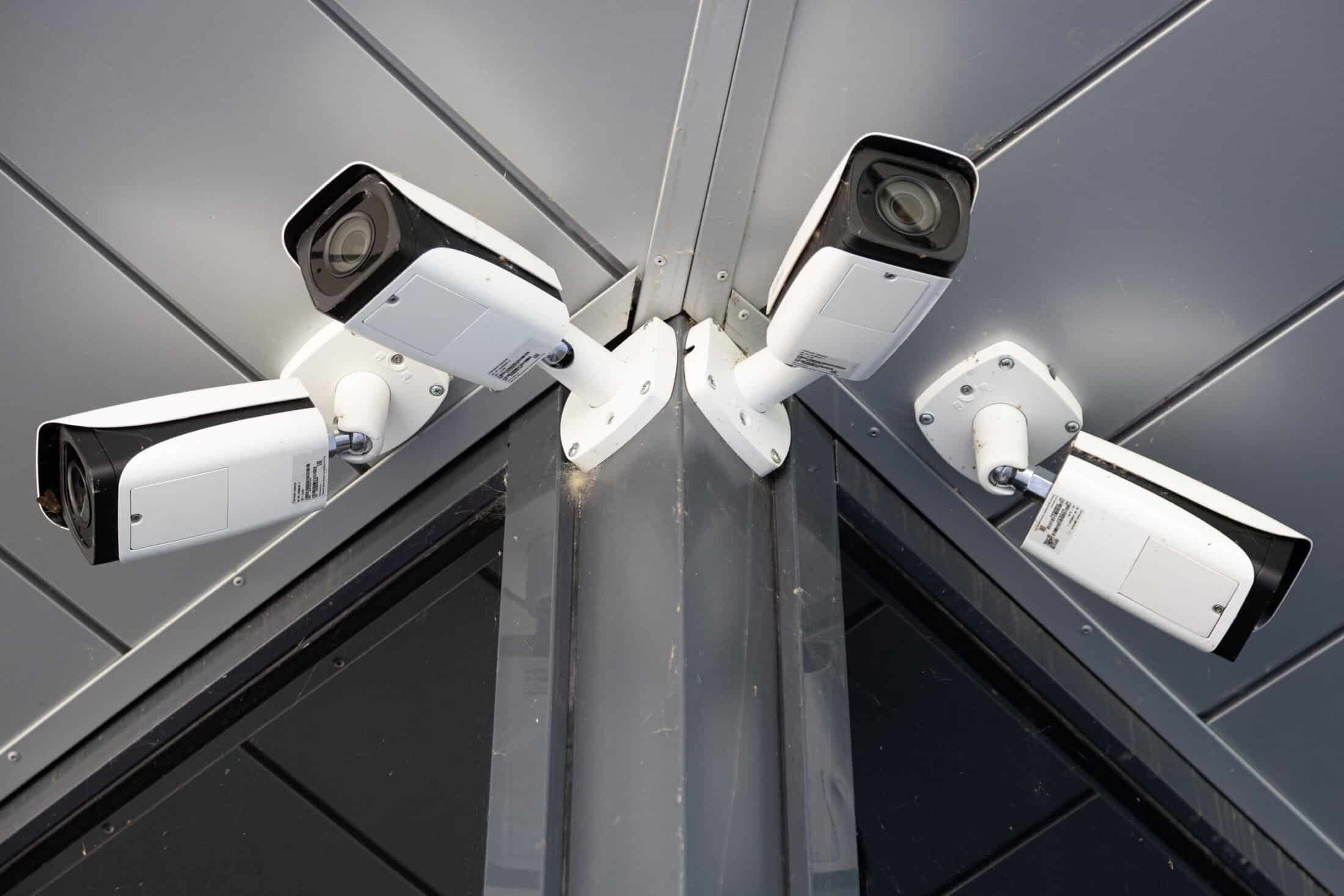
How Video Analytics Are Changing the Future of CCTV in Chicago

by Tomasz

Security cameras have been a fixture in Chicago homes and businesses for decades. But most of those cameras share the same fundamental limitation: they record what happens, and someone has to watch the footage afterward to find out what that was. That is the core difference between a traditional surveillance system and one built around CCTV video analytics.

Smart video surveillance does not wait for a crime to be reported before it becomes useful. It analyzes footage as it happens, identifies what matters, and alerts the right people in real time. For Chicago property owners, that shift represents a significant upgrade in how security systems actually perform, not just how they look on paper.

What Is CCTV Video Analytics? A Plain-English Explanation

Video analytics, sometimes called intelligent video monitoring or smart video surveillance, is software that automatically analyzes CCTV footage in real time to detect motion, identify objects, classify people and vehicles, and trigger alerts without requiring anyone to watch a screen.

Unlike a standard camera that simply records and stores footage, a video analytics system is continuously processing what it sees. It can distinguish a person from a shadow, recognize that a vehicle has been parked in a restricted zone for an unusual amount of time, or flag that someone is moving along the perimeter of a property after hours. When the system detects something that matches a defined rule or behavior, it acts: sending an alert, notifying a monitoring center, or triggering an integrated alarm response.

The important distinction for homeowners and business owners in Chicago is this: traditional CCTV is reactive. Video analytics is proactive. One tells you what happened. The other can help stop something before it does.

How Smart Video Surveillance Works

Understanding what video analytics does is easier when you see it as a four-step process:

  1. Step 1: Capture. A professionally installed CCTV camera captures live video footage. Camera placement, resolution, and lighting all directly affect what the analytics software can see and process accurately.
  2. Step 2: Analyze. The footage is fed into an analytics engine, either embedded in the camera itself (edge processing) or handled by a central server or cloud platform. The software breaks each video frame into data, identifying shapes, movement patterns, and objects.
  3. Step 3: Detect. The system compares what it sees against a set of rules or learned behaviors. It might be looking for a person entering a defined zone, a vehicle stopping in a no-parking area, or a crowd forming in an unusual location. When the defined condition is met, the system registers a detection event.
  4. Step 4: Alert. The detection triggers a response: a push notification to the property owner, an alert to a 24/7 monitoring center, an integration with the building’s alarm system, or a combination of all three.

Two processing architectures are worth knowing. Edge-based analytics runs directly on the camera hardware, which reduces latency and keeps footage on-site. Cloud-based or server-based analytics centralizes processing, which can offer more powerful capabilities and easier multi-camera management. In practice, many modern systems use a hybrid of both.

A critical point that does not receive enough attention: the analytics software is only as capable as the camera system feeding it data. Poorly positioned cameras, low-resolution sensors, and inadequate lighting will degrade analytics performance regardless of how sophisticated the software is. This is why professional installation is not optional when you are building a system that relies on intelligent video monitoring.

Key Video Analytics Features Used by Chicago Properties

Modern smart video surveillance systems offer a range of capabilities. Not every property needs every feature, but understanding what is available helps you make the right decision for your specific situation.

  1. Motion Detection and Smart Alerts Traditional motion detection triggers on virtually any movement. Analytics-based detection is trained to distinguish relevant activity from background noise, which means fewer false alarms and higher-confidence alerts when something real is happening.
  2. Person and Vehicle Detection. The system classifies objects as people, vehicles, or other, allowing for precise rules like “alert only when a person enters this zone between 10 PM and 6 AM” rather than triggering on every passing car or delivery truck.
  3. Loitering and Perimeter Alerts. If someone lingers near a loading dock, parking lot entrance, or restricted access point beyond a set time threshold, an alert is generated before a situation escalates.
  4. License Plate Recognition (LPR). LPR cameras read and log plates as vehicles enter or exit a property. In post-incident investigations, a clean LPR log is often more useful to law enforcement than standard video footage alone.
  5. People Counting Retail. Stores, restaurants, and office buildings use people-counting analytics to track occupancy and foot traffic patterns. It is a business intelligence application that extends well beyond traditional security.
  6. Facial Recognition: What Chicago Property Owners Should Know Facial recognition is available in advanced platforms but requires careful consideration in Illinois. The Biometric Information Privacy Act (BIPA) places strict requirements on the collection and use of biometric data. Consult legal counsel before deploying any system that captures facial geometry.

The right combination of features depends on the property, the risk profile, and how the system will be monitored. Chicago Security Expert works with each client to identify what is actually necessary rather than defaulting to the most feature-heavy option available.
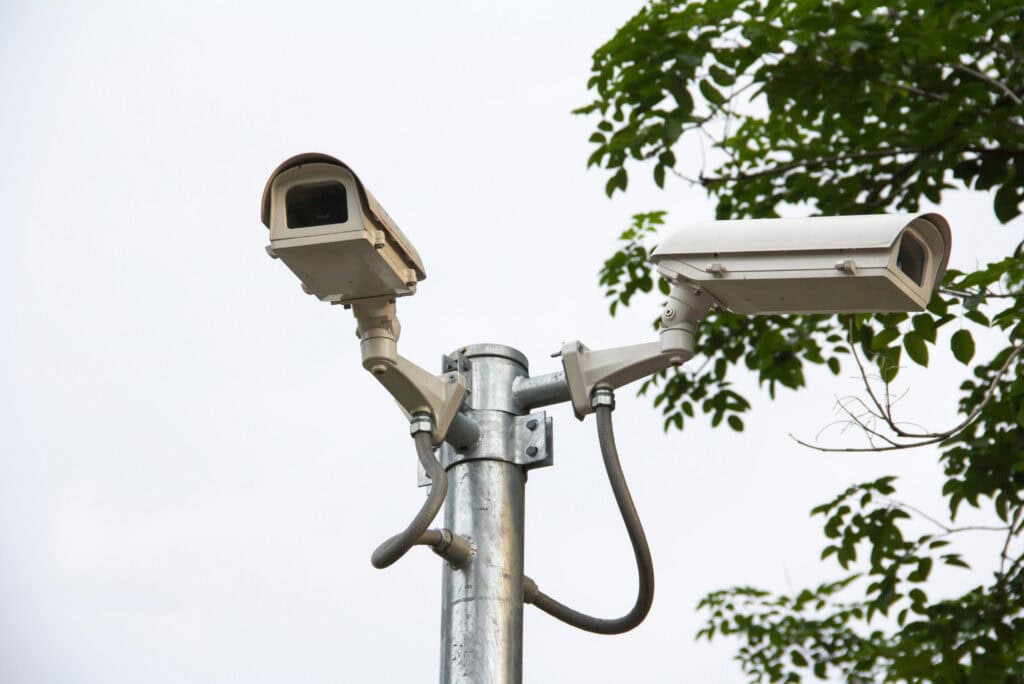
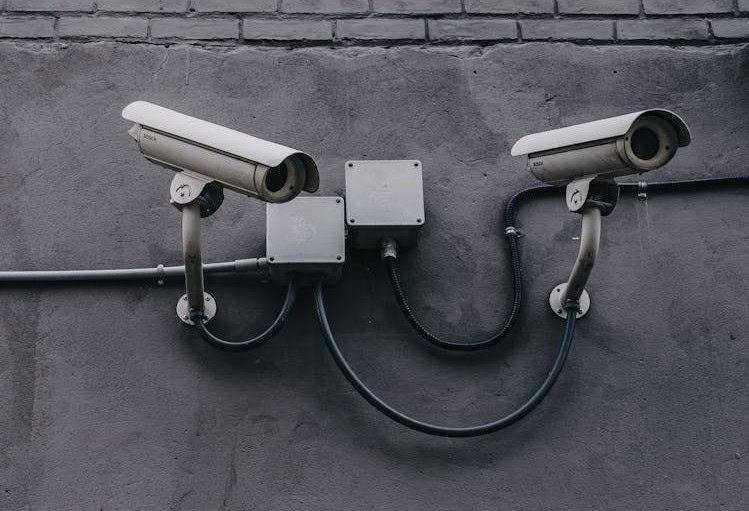
Outdoor security cameras mounted on a metal pole near trees in an urban area.

Residential and Commercial Applications Across the Chicago Area

One of the most significant gaps in how video analytics is typically covered is the assumption that it is only relevant to large enterprises. That is not the case. Chicago Security Expert installs smart video surveillance systems across a wide range of property types throughout the North Shore, Northwest suburbs, West suburbs, and the city itself.

Residential Applications

For homeowners in communities like Winnetka, Wilmette, Highland Park, and Lake Forest, video analytics addresses specific challenges that standard cameras do not. Package theft detection, driveway perimeter alerts, and after-hours activity notifications are among the most requested features. The ability to receive a real alert only when a person approaches the front door, rather than every time a car passes on the street, makes a meaningful difference in how usable the system actually is day to day.

Small and Mid-Size Business Applications

A restaurant in Lincoln Park, a retail shop in Lake Zurich, or a medical office in Vernon Hills each has security needs that a traditional camera system does not fully address. After-hours perimeter alerts, customer entrance monitoring, and employee entrance verification are common applications. People counting and occupancy analytics have also become useful tools for understanding how a space is being used and where additional attention is warranted.

Commercial and Industrial Applications

For larger facilities, multi-site operations, and properties with complex access needs, commercial and industrial video analytics can manage camera feeds across multiple locations from a single platform. This includes integration with access control systems, so that an access card event and a video detection event are correlated and logged together. Facilities in the greater Chicago metro area with parking structures, loading docks, or restricted zones particularly benefit from automated perimeter and zone enforcement.

Why Professional Installation Makes Video Analytics Work

There is a growing category of consumer-grade smart cameras marketed as video analytics products. Some of them are capable within their limitations. But there is a significant difference between a plug-in camera with a basic person detection feature and a professionally designed, installed, and calibrated video analytics system.

The performance of an intelligent video monitoring system depends on decisions made before a single camera is mounted: where to position each camera to maximize field of view and minimize occlusion, what resolution is required to support the analytics features being used, how lighting conditions at different times of day will affect image quality, and how the cameras will communicate with the analytics engine and the monitoring infrastructure.

Chicago Security Expert brings a structured approach to each installation. A site assessment identifies the coverage requirements and the specific threats or behaviors the system needs to detect. Camera selection and placement are matched to those requirements. The analytics configuration is calibrated to minimize false positives while maintaining sensitivity to genuine activity. And after installation, ongoing support ensures that the system continues to perform as the property’s needs evolve.

A professionally installed system also integrates cleanly with your existing security infrastructure, whether that includes a burglar alarm, access control, fire alarm monitoring, or a combination of all three.

Video Analytics and Professional Monitoring: The Full Security Picture

A smart CCTV system on its own is a significant upgrade over traditional surveillance. When that system is connected to professional 24/7 alarm monitoring, the value multiplies.

When Chicago Security Expert integrates video analytics with alarm monitoring, a detection event at your property triggers a review by a trained monitoring agent. Here is what that difference looks like in practice:

Unverified Alarm Verified Video Alarm
Trigger Sensor activation only Camera detection + agent review
Police response Often deprioritized Priority dispatch
Report quality Automated alert Confirmed activity with footage

If the agent confirms suspicious activity, police are dispatched with a verified report, not just an automated alert.
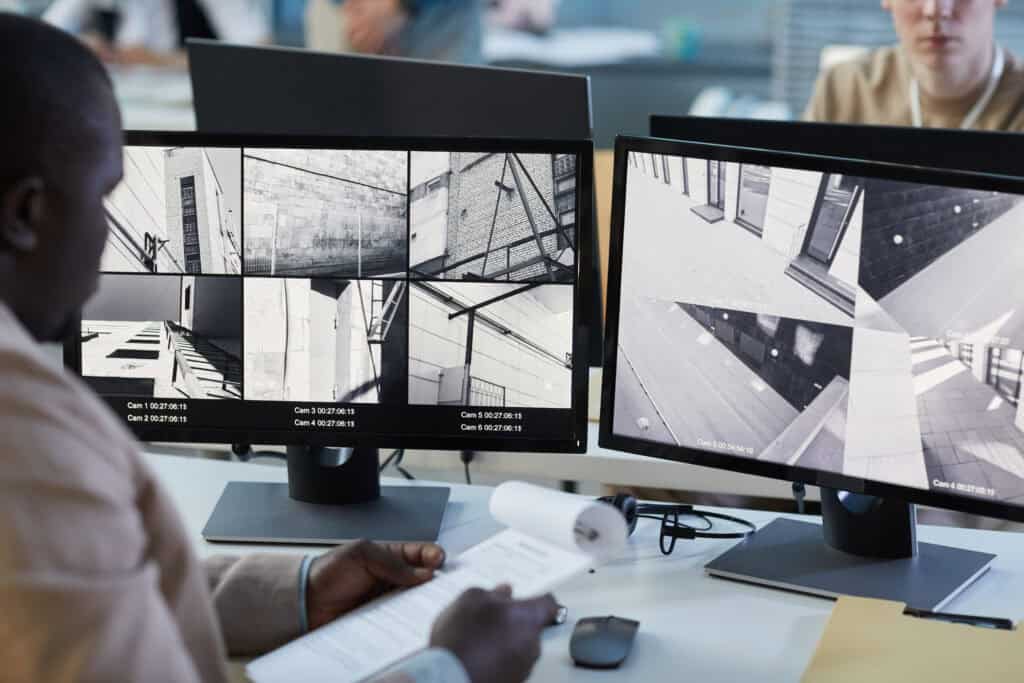
Security professional reviewing surveillance camera footage across multiple monitors in a monitoring center.

Is Video Analytics Worth It? Real Benefits for Chicago Properties

The value of intelligent video monitoring is most clearly understood when compared to the alternative.

Traditional CCTV records everything. In the event of an incident, someone reviews the footage, identifies what happened, and that information is used after the fact. The footage has evidentiary value, but the system did nothing to prevent the incident or accelerate the response.

Smart video surveillance changes that equation in several concrete ways:

  • Proactive detection: The system identifies suspicious activity in real time, enabling a response before an incident escalates.
  • Fewer false alarms: Analytics-based detection dramatically reduces the noise of irrelevant alerts, so when you do receive a notification, it carries weight.
  • Higher-quality evidence: Professionally installed cameras, positioned and configured for the specific environment, produce significantly better footage than generic systems. That footage is more useful to law enforcement and insurance investigators.
  • Faster, more credible alarm response: Verified video alarms receive priority dispatch. Unverified alarms often do not.
  • Business intelligence: For commercial properties, people counting, occupancy monitoring, and traffic analysis produce operational data with real value beyond security.

The cost of adding video analytics capability to a professional CCTV installation varies based on the number of cameras, the features required, and whether cloud monitoring or on-site processing is used. What rarely changes is this: the cost of a smart surveillance system is almost always less than the cost of a single significant incident it could have prevented or shortened..

Why Choose Chicago Security Expert for CCTV Video Analytics

Chicago Security Expert is a locally owned and operated security systems provider serving the Chicagoland area. Our work is installation-focused and service-oriented. We do not operate as a national chain or a retail storefront. Every project begins with a site assessment, and every system is designed around the specific security requirements of the property it protects.

Our team holds industry certifications in security systems installation and has experience integrating CCTV, burglar alarms, fire alarm systems, access control, and monitoring services into cohesive, professionally supported security solutions. For clients who want smart video surveillance, we bring the technical expertise to design a system that actually performs as intended, and the local presence to support it over time.

Ready to protect your home with confidence? Schedule a professional fire alarm consultation with Chicago Security Expert to get clear recommendations and dependable fire safety solutions.

Frequently Asked Questions About Video Analytics CCTV in Chicago

What is the difference between regular CCTV and video analytics? Standard CCTV records and stores footage passively. Video analytics analyzes footage in real time, identifying people, vehicles, and behaviors as they happen. One tells you what occurred after the fact. The other can alert you while it is still occurring.

Can video analytics work with my existing security cameras? Sometimes. Certain analytics platforms can be layered onto compatible existing cameras through a server or software add-on. In other cases, the cameras themselves need to be upgraded. Chicago Security Expert can assess your current system and recommend the most cost-effective path.

Is smart video surveillance legal in Illinois? Installing cameras on your own property is legal. If you are considering facial recognition or other biometric features, Illinois’s Biometric Information Privacy Act (BIPA) imposes specific obligations worth reviewing with legal counsel. Most standard analytics features, including motion detection, person detection, and license plate recognition, do not implicate BIPA.

Do I need a permit for security cameras in Chicago? Residential installations typically do not require a permit. Some commercial installations may, depending on scope and placement. Chicago Security Expert is familiar with local requirements and will advise during the planning process.

Can video analytics integrate with my existing alarm system? Yes. When a camera detection event and an alarm trigger occur together, the result is a verified alarm response, which typically receives faster law enforcement dispatch than an unverified alert alone.
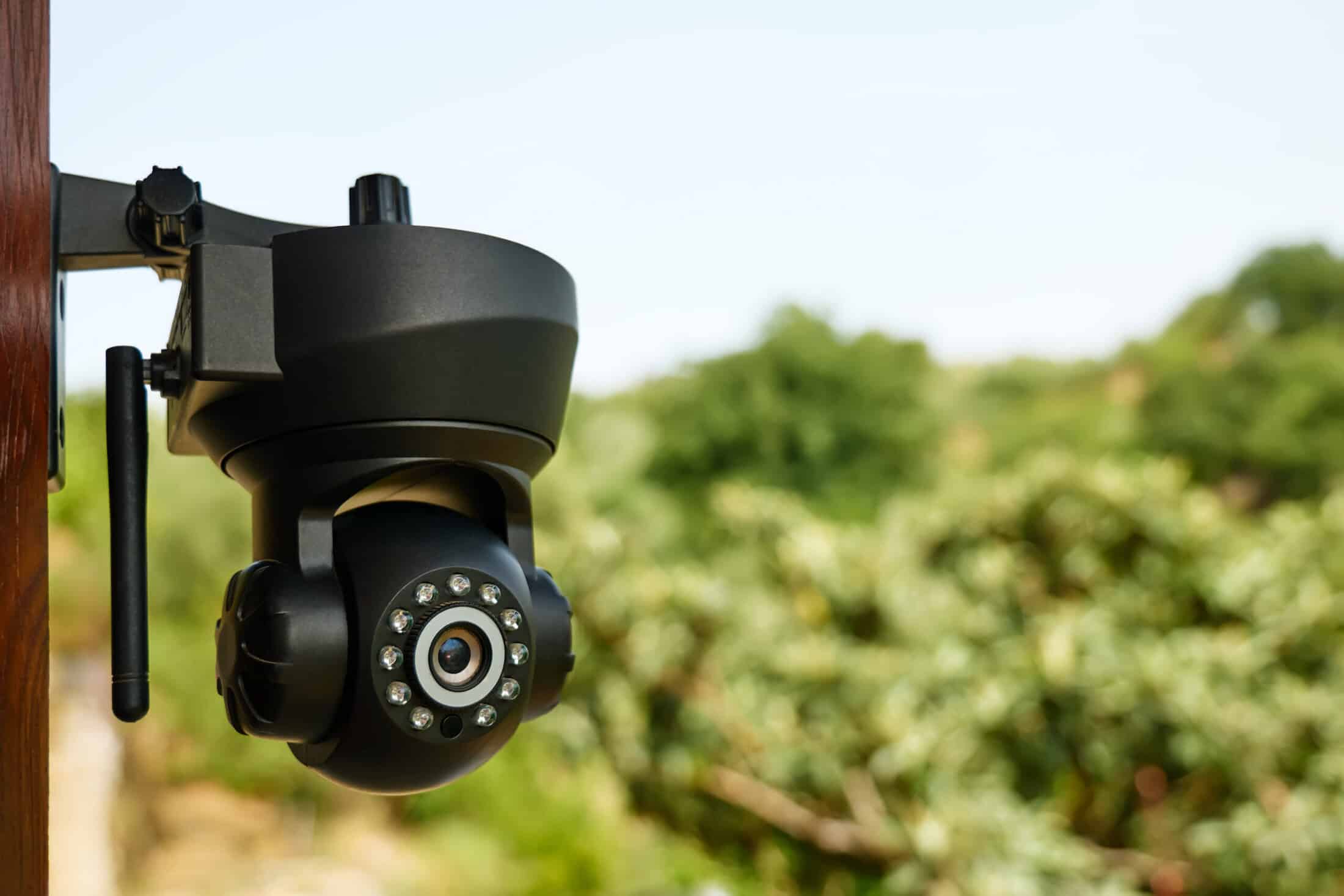
Cloud vs Local Storage: What’s Best for Your Security Camera System?

by Tomasz

Choosing where your security camera footage is stored isn’t just a technical decision; it directly affects reliability, cost, privacy, and how useful your video surveillance system is when it matters most. Whether you’re setting up a home security camera or a full commercial security system, your storage approach needs to match how your property actually operates.

Some systems rely on cloud storage and cloud services for convenience and remote access, while others use on-site storage for consistent recording and control. Many modern systems combine both. Understanding these storage options will help you build a more effective, cost-effective solution.

Cloud vs Local Storage: Quick Comparison

Feature Cloud Storage Local Storage
Storage location Cloud video storage (off-site servers) On site storage (DVR/NVR, microsd card)
Remote access Very easy Possible, more setup
Internet connectivity Required for recording & access Only needed for remote access
Ongoing cost Monthly fee / cloud subscriptions Usually no subscription service
Recording during outages May stop Continues recording
Data control Managed by cloud storage providers Owner-controlled

Cloud storage focuses on accessibility and flexibility, while local storage security cameras focus on reliability and control.

Cloud Security Camera Storage

Cloud storage for security cameras stores video data on remote servers instead of locally. This allows users to access footage from anywhere and manage multiple cameras through a single dashboard.

Cloud storage works best when you need:

  • Easy remote access to security camera footage
  • Off-site protection if cameras or equipment are damaged
  • Flexible plans and scalable cloud services
  • Integration with smart motion detection and AI detection

Many cloud storage providers also offer advanced features like facial recognition, advanced analytics, and motion-triggered recording.

However, there are tradeoffs:

  • Monthly fee or subscription tiers
  • Storage limits depending on plan
  • Dependence on internet connectivity
  • Potential privacy concerns with third-party storage

Cloud storage cost can increase quickly as you add cameras or extend storage duration, especially with higher image quality or color night vision.

CCTV With Local Storage

Local storage security cameras store footage directly on-site using hardware like a network video recorder (NVR), digital video recorder (DVR), or microSD card. This approach is common in professional video surveillance systems.

With local video storage, cameras record video continuously or based on motion detection, storing recorded video on physical devices such as hard drives or network-attached storage.

Local storage is ideal when you need:

  • Reliable recording without relying on internet connectivity
  • Full control over video storage and storage capacity
  • No ongoing cloud subscriptions
  • Higher storage capacity for multiple cameras

Common local storage options include:

  • Network video recorder systems for IP cameras
  • Micro SD card storage for a single camera or edge device
  • Network-attached storage for advanced setups

The main drawback is that footage is stored on-site. If equipment is stolen or damaged, you may lose security camera footage unless you have additional storage or backup.

Reliability: What Actually Matters

Reliability depends on your priority.

Local storage ensures cameras record video even if internet connectivity fails. Cloud storage ensures footage is preserved off-site.

If your priority is continuous recording → local wins. If your priority is protecting footage after an incident → cloud wins.

Most failures happen when systems only address one of these needs.

Cost: Upfront vs Long-Term Value

Cloud storage often looks cheaper upfront but includes a monthly fee, subscription service, or hidden fees over time. These costs increase with additional storage, more footage, or higher video quality.

Local storage requires more upfront investment but can reduce costs long-term by avoiding recurring cloud subscriptions.

To truly save money, consider:

  • Number of cameras
  • Storage capacity needed
  • Storage duration requirements
  • Video resolution and image quality
  • Whether you need additional storage later

A system that doesn’t match your usage can end up costing more over time.

Features That Impact Storage Decisions

Modern security cameras include features that directly affect storage needs and performance.

Key features to consider:

  • Motion detection and smart motion detection (reduces unnecessary footage)
  • Color night vision and night vision (improves visibility but increases data size)
  • Two-way audio and remote access capabilities
  • Pan-tilt functionality for wider coverage
  • Solar power and solar panel options for outdoor cameras
  • Adjustable lights and floodlight model cameras for visibility

Advanced features like AI detection, facial recognition, and professional monitoring can increase storage demands but also improve system effectiveness.

The Hybrid Approach: Best of Both Worlds

Many modern security systems use a hybrid approach, combining cloud storage with local storage.

This typically includes:

  • Local recording through a network video recorder
  • Cloud backup for critical video data

Benefits of hybrid systems:

  • Continuous recording with local storage
  • Off-site backup through cloud storage
  • Easier remote access
  • Better storage security overall

For businesses and larger video surveillance setups, hybrid systems are often the most practical solution.

How to Choose the Right Storage Setup

The best storage option depends on your property and usage.

  • How many cameras are you using? Larger systems with multiple cameras often need local or hybrid storage.
  • Do you need continuous recording? If yes, local storage is essential.
  • Do you need remote access? Cloud storage makes accessing footage easier.
  • Are you trying to reduce costs? Local storage helps reduce costs over time.
  • Is off-site protection important? Cloud storage protects footage if equipment is lost.
  • What type of system are you installing? A home security setup may benefit from cloud, while a commercial security system may require local or hybrid.

Final Answer: Which Is Best?

Cloud storage and local storage both play important roles in modern video surveillance systems. Cloud storage is best for convenience, remote access, and off-site protection. Local storage is best for reliability, control, and long-term cost stability.

For many properties, the best solution is a hybrid system that combines both storage options. This ensures your cameras record video consistently while still allowing you to access footage and protect data securely.

At Chicago Security Experts, we design security camera systems based on real-world performance. Whether you need cloud storage, local storage, security cameras, or a hybrid solution, we help you build a system that works when it matters most.

Contact Chicago Security Experts today to design the right storage solution for your property.

FAQs

Is cloud or local storage better for business security cameras? For most businesses, a hybrid setup is best. Local storage ensures continuous recording, while cloud storage provides backup and remote access.

Will my cameras still record if the internet goes down? Only if you use local storage. Cloud-only systems depend on internet connectivity and may stop recording during outages.

How much storage do I need for security cameras? It depends on the number of cameras, recording type, and video quality. Systems with more cameras or continuous recording require greater storage capacity.

Benefits of Hardwired Security Systems for Homes and Businesses

by micah@w3affinity.com

Hardwired security systems remain the most reliable and durable way to protect homes and businesses. While wireless security systems have become popular for convenience, the performance, stability, and long-term value of a wired security system make it the top choice for those who prioritize consistent protection. In this guide, Chicago Security Expert explores how hardwired systems work, the advantages they offer, and why professional installation delivers the best results across Chicago and the surrounding suburbs.

What Is a Hardwired Security System?

A hardwired security system connects all devices, such as sensors, keypads, control panels, and cameras, through physical wires. Unlike wireless systems that depend on Wi-Fi or radio signals, wired security systems use copper cabling or Ethernet cables to transmit data securely and reliably. This eliminates the risk of interference, providing steady communication between components.

Core Components

A typical hardwired home security system includes a central control panel, wired sensors, motion detectors, sirens, and wired security cameras. These are powered directly by the electrical system, supported by a battery backup to ensure operation during a power outage. For homes and businesses, this structure guarantees uninterrupted security coverage.

How Hardwired Systems Communicate

Hardwired burglar alarm systems send signals through direct communication lines between wired sensors and the control panel. PoE (Power over Ethernet) cables power cameras while transmitting high-definition footage to local storage or cloud storage, depending on configuration. In case of an alarm, the system instantly alerts the monitoring center using cellular signals or an IP connection.

Hardwired vs. Wireless Security Systems

When comparing wired and wireless security systems, the choice often depends on priorities like reliability, scalability, and long-term maintenance. Both options offer unique advantages, but understanding how each functions helps homeowners and business owners make an informed decision.

Signal Reliability and Uptime

Wired systems provide consistent uptime, avoiding disruptions caused by weak Wi-Fi or wireless interference. Hardwired security systems stay operational even when wireless signals drop, making them ideal for large buildings and multi-story homes.

Security and Tamper Resistance

Wired security systems are physically harder to tamper with compared to wireless ones, which can be jammed or intercepted. Using supervised circuits and protected communication lines, these systems maintain stronger defense against security breaches.

Coverage and Scalability

For large homes, campuses, or warehouses, wired security offers the best coverage. A hardwired system supports long cable runs, wired and wireless equipment hybrids, and additional wired components without affecting performance.

Maintenance and Cost Efficiency

While the installation process requires more effort upfront, hardwired systems require less maintenance over time. There are no wireless sensors or wireless components needing frequent battery replacements. This reduces monthly fees and service calls.

Smart Integrations

Modern wired home security systems support smart home devices like voice control assistants, smart thermostats, and video doorbells. They also connect with professional monitoring services for immediate response.

When Wireless Systems Work Better

Wireless technology is practical for renters, historic homes, or retrofit projects where installing new wiring isn’t possible. In these cases, Chicago Security Expert often recommends hybrid security systems that combine wired and wireless equipment for flexibility.

Key Benefits of Hardwired Security Systems

Hardwired security systems provide distinct advantages over wireless technology, combining strength, stability, and longevity. Whether you’re looking to protect a residence or a commercial property, these systems deliver dependable coverage and long-term value unmatched by their wireless counterparts.

1. Rock-Solid Reliability

Hardwired security systems maintain performance during power outages or Wi-Fi failures. Local video storage and cellular backup ensure your home or business remains protected at all times.

2. Enhanced Security

Wired security systems are less vulnerable to hacking and interference. The use of physical wires and supervised circuits adds layers of protection, while professional monitoring ensures fast emergency response.

3. 24/7 Power Stability

Wired equipment draws power from the main control panel, supported by battery backup during outages. You won’t have to worry about replacing batteries in individual devices.

4. Comprehensive Coverage

From outdoor cameras to doorbell cameras, wired security systems can connect numerous devices through PoE switches, ensuring consistent performance and sharp video quality.

5. Clean Installation and Longevity

Professional installation during construction provides hidden cabling for a clean look. A wired system can last more than a decade with minimal maintenance, making it one of the best hardwired security systems for long-term use.

Residential and Commercial Applications

Hardwired security systems are versatile enough to meet the needs of both homeowners and business owners. Each environment requires a unique approach to coverage, functionality, and system design to ensure maximum protection and efficiency.

Home Security Systems

Homeowners use wired and wireless security cameras, motion detectors, and video doorbells for 24/7 monitoring. Integration with other smart home devices provides convenience, while professional monitoring adds peace of mind.

Business Security Systems

Businesses rely on hardwired burglar alarm systems with professional monitoring, environmental sensors, and two-way communication options for employee safety. Systems include local storage, cloud storage, and cellular backup for redundancy.

Life Safety Integration

Hardwired systems connect seamlessly to smoke detectors, CO alarms, and other safety sensors, meeting strict building codes and compliance standards.

Hardwired Video and Cameras

Hardwired security cameras deliver higher quality than wireless cameras due to stable bandwidth and no latency. Using PoE technology, they support local recording, cloud options, and smart analytics such as facial recognition or motion detection. Chicago Security Expert installs wired security cameras designed to withstand Chicago’s varying weather conditions.

Installation and Ownership Costs

Installation costs depend on the property layout, existing wiring, and whether it’s a new build or retrofit. While professional installation adds upfront cost, the long-term savings from reduced maintenance and increased reliability outweigh DIY installation attempts. Chicago Security Expert provides detailed estimates covering equipment options, labor, and monitoring fees.

Professional monitoring plans offer 24/7 response, false-alarm verification, and ongoing service checks. Homeowners may also choose self-monitoring options or hybrid plans depending on their preferences.

Why Choose Chicago Security Expert for Your Hardwired System

Chicago Security Expert adheres to local security codes and false-alarm ordinances. We service the North and West suburbs, including Lincoln Park, Lake Zurich, Vernon Hills, and Highland Park, offering same-week consultations and emergency service. Our professional installation ensures your wired system meets Chicago standards.

Chicago-Area Expertise

Chicago Security Expert evaluates each property’s structure, existing network, and desired smart integrations before installation. Our team uses junction boxes and structured wiring for clean finishes. Every system includes a post-installation check, firmware updates, and annual maintenance for optimal performance.

Hardwired security systems provide the most dependable form of protection for homes and businesses. With minimal interference, superior coverage, and professional monitoring, a wired security system ensures your property remains secure 24/7. To learn more or schedule a free consultation, contact us today.

FAQs

Q: Are wired systems more secure than wireless ones?
Yes. The use of physical wires and encrypted communication reduces the risk of signal interference or hacking.

Q: Do hardwired systems require professional installation?
Yes. Professional installation guarantees correct wiring, secure connections, and optimal equipment placement.

Q: What happens during power outages?
A battery backup and cellular backup maintain functionality and monitoring.

Q: Can I combine wired and wireless equipment?
Yes. Hybrid systems include both for flexibility.

Q: Are there monthly fees?
Monitoring plans vary based on service level, equipment, and whether you choose professional monitoring or self-monitoring.